
Three ways to close a review
- Approve without changesIt is current and ready as written.
- Approve with changesApprove it and send minor findings to the owner.
- Request revisionSend it back with the changes that must be made.
Write policies, procedures, and work instructions with AI. Build the forms your team fills in, schedule checks for your locations, equipment, and products, and keep the completed records with the documents they belong to.
Start where you are
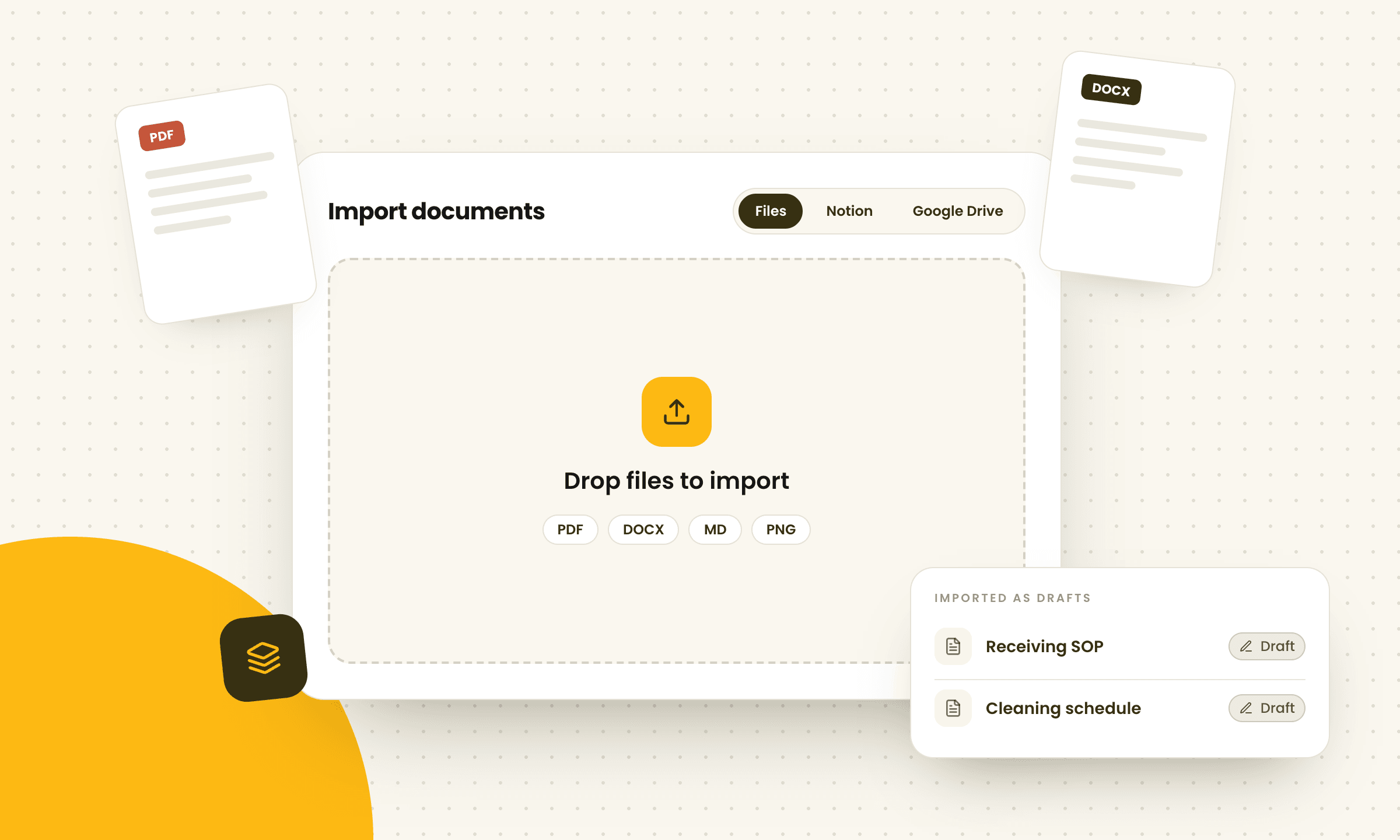
Import files from your computer, Notion, or Google Drive. They arrive as drafts, ready to update. Contourna can also suggest how they fit together, so you don't have to organize them yourself.
Convert to editable
Convert PDF, DOCX, or Markdown into an editable document while keeping your original wording. The layout may change.
Upload original
Keep the original file and its layout exactly as they are.
Once the import is done, Contourna suggests a practical manual structure based on what each document covers.
Supported files
Manuals
Organize each manual in four clear levels: the policy, the procedures that support it, the instructions people follow, and the forms that capture the work. Employees can find what they need, and auditors can see how everything connects.
Example: Events & Catering manual
Write with AI
Describe what you need or start with an existing document. When the wording needs work, highlight the passage, ask for a change, and review the result before it touches your document.
Try it
Opening the espresso bar
3. Steam wand
Wipe the steam wand after every use and purge it. Store the pitchers upside down on the drip tray.
AI Assistant
Pick a request. The suggestion appears here as a tracked change.
Review & approve
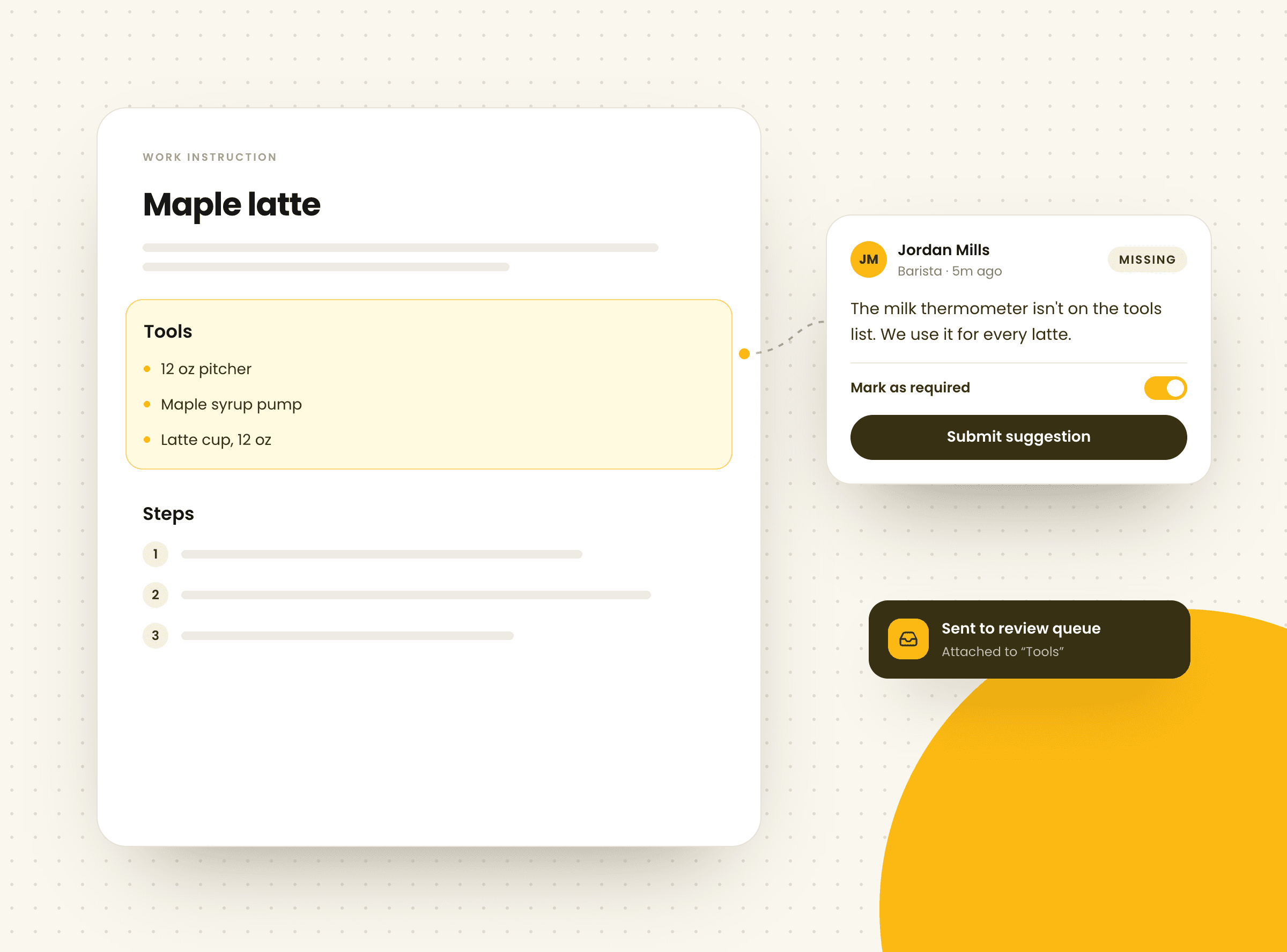
Anyone can flag a step that no longer matches the work. Reviewers see the suggestion beside the exact section it affects, with the context they need to decide what changes.
Review cycles
Choose how often each document should be reviewed and Contourna puts it in the queue at the right time. Reviewers can record findings on the exact section they affect and close the review with a clear decision.
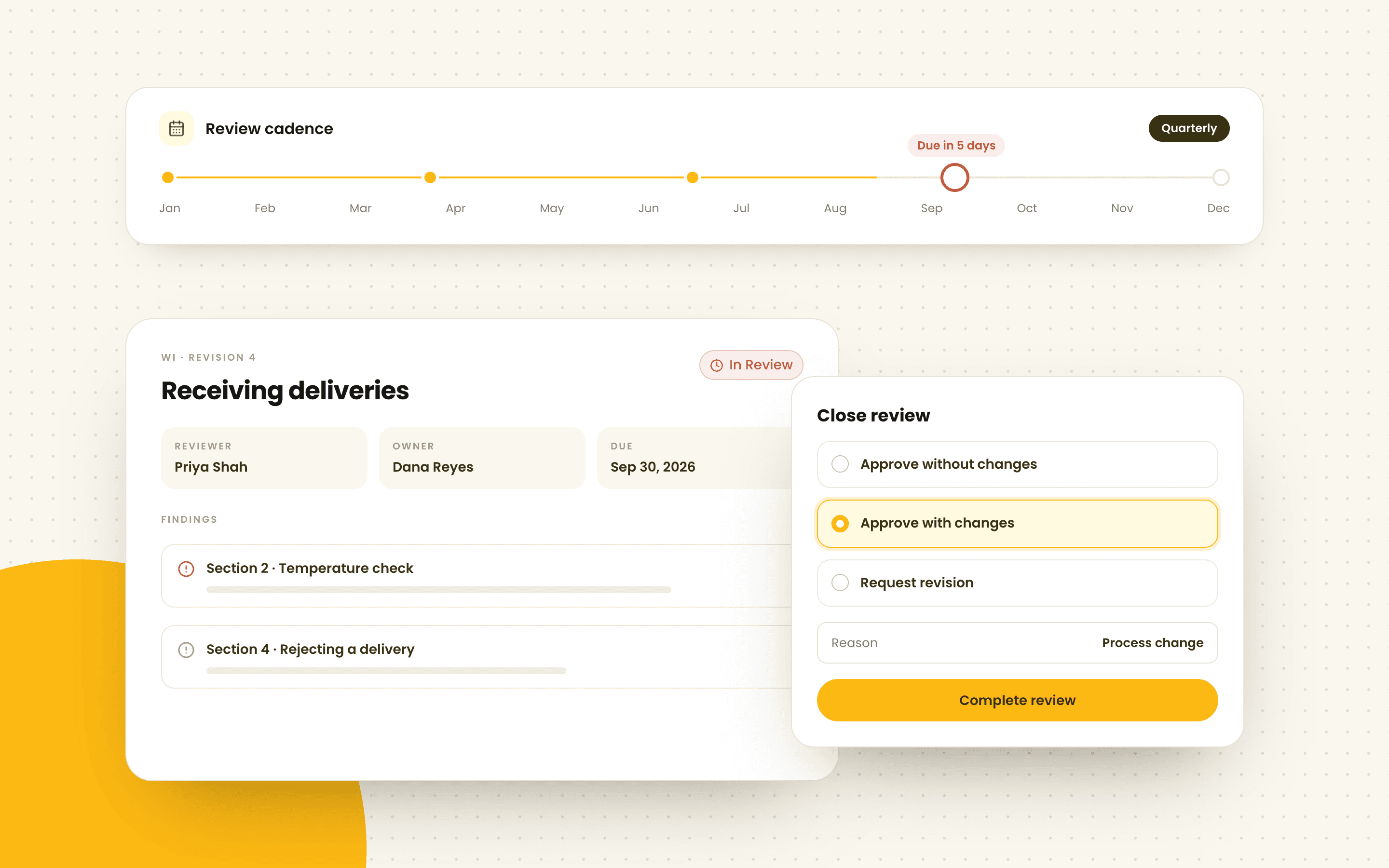
Review cadence
Reason on the record
When someone spots an outdated step, they can flag it from the document itself. The suggestion lands in the review queue with the right section attached, ready for a reviewer to act on.
Forms & records
Start with a short description and get a form with the right fields, sections, and quality metrics. Make any changes, publish it, and assign it on a schedule so every completed check is recorded.
Describe your form
Walk-in cooler temperature log
DraftField types
Schedules
Operations
Add your locations, equipment, and products, then assign the forms each one needs. Checks are organized by site, and each one goes to the team or person who does it.
Select a location, machine, or product to see its checks.
Equipment · Main brewery
Keg washer
Caustic concentration check
Daily Cellar team
Overdue by 1 daySpray ball inspection
Weekly Cellar team
Due in 3 daysPump and seal service
Monthly Maintenance
Due in 12 daysGive each machine its forms, a history of every check, its files, and the manuals that cover it.
Keep a register of what you make and the checks each product needs, with batch or lot fields you can make required on your forms.
Quality data
Mark a number or duration field as a quality metric and each submission updates its control chart. Contourna calculates the limits, checks standard SPC rules, and explains what the pattern means in plain language.
Roast duration
Roast log · minutes
Nelson rule 1 · Critical
One point beyond the upper control limit
Reading #18 at 14.2 min sits above the UCL of 13.6 min.
Demo data. In Contourna, limits are calculated from your own submissions.
Turn any quality metric into a chart with its mean and calculated control limits.
See Nelson and Western Electric rule violations on the exact points that triggered them.
Follow Cp, Cpk, mean, and standard deviation as new records come in.
Get a plain-language read on stability, trends, and capability, plus a useful next step.
Included in the Control plan.
How it works
Draft a document, review it, publish it, then collect the records that show it's being followed.
Start free trialImport an existing file or describe what you need. Contourna gives you a structured draft to work from.
Let the people doing the work flag anything that is out of date. Reviewers can apply, edit, or reject each suggestion in context.
Approve the document and make it live. Employees always see the current version, while older revisions and the reason for each change stay on record.
Assign the matching form on a schedule. Each submission stays tied to the document and feeds the metrics you track.
Pricing
All prices are in CAD. Both plans include 3 editor seats, unlimited readers and form users, and a 14-day free trial.
For teams that need one place to write, organize, review, and control their documents.
$199CAD / month
Or $1,910 CAD billed annually. Save about 20%
For teams that also need forms, records, and quality data to show the process is working.
$399CAD / month
Or $3,830 CAD billed annually. Save about 20%
Extra editor seats are $39 CAD billed monthly or $374 CAD billed annually each. Manage plans and seats in Billing settings; cancel through the billing portal.
Live demo. No account required.
Write a policy for allergen handling, procedure for receiving deliveries, work instruction for opening the espresso bar, procedure for cold room temperature checks
Choose a policy, procedure, or work instruction. Adjust the example and create a real draft with the same assistant Contourna customers use. Your work stays in the current browser tab.
No. Certification comes from your auditor. Contourna helps you put the pieces auditors look for in place: controlled documents with owners, scheduled reviews, a complete revision history, and records tied to the right procedure.
Only the people who write and approve documents need a paid seat. Every plan includes 3 editor seats, and extra seats are $39 CAD billed monthly or $374 CAD billed annually. Everyone else can read published documents, fill forms, and suggest changes for free.
Yes. Upload Word or PDF files individually or in a batch, or import from Notion and Google Drive. Contourna can then suggest a manual structure for everything you brought in, saving you from sorting each file by hand.
No. AI output starts as a draft or a tracked suggestion on a specific section. A person decides what to keep and approves the document before it is published.
Choose a plan to start your 14-day trial. You will enter a card, but you will not be charged until the trial ends. You can cancel from the billing portal at any time before then.
No. The playground uses the same document assistant as Contourna, but your draft only lives in the current browser tab. It is never saved to a Contourna account, so please do not enter confidential information.